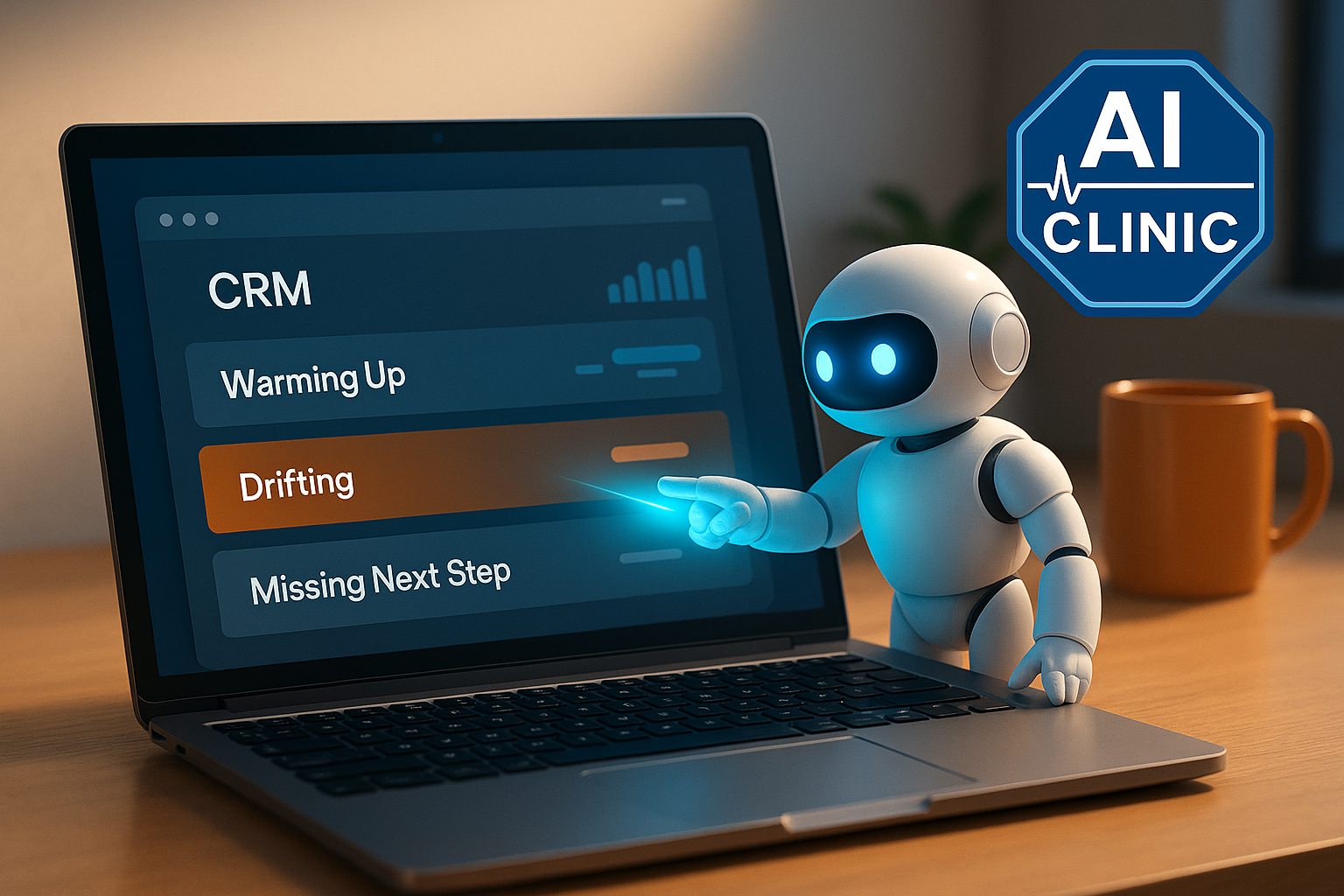
Your CRM isn’t missing data - it’s missing actions. ⚡ Deals are moved by actions. AI shows which ones.
Most CRMs quietly turn into storage. Emails get logged, calls get recorded, notes accumulate - but none of that shows who’s warming up, who’s drifting, or which deals will actually move this week. You end up scrolling long pipelines trying to piece together momentum from fragments.
The issue isn’t the CRM - it’s that nothing inside it exposes actions. AI can read patterns, but only when those patterns are visible. CRMs were built for record-keeping, not decision-making. When actions aren’t clear, AI has data but no story.
Make actions visible, and AI becomes immediately useful. It highlights movement, drift, hesitation, missed commitments, and what will change the week. The CRM stops being a historical archive and starts steering what happens next.
⚡ Quick Gains
A small amount of structure produces fast, measurable improvements:
📉 40–60% less pipeline-scrolling time AI surfaces warming-up and drifting deals automatically.
⏱️ Weekly reviews drop from 45–60 minutes to 15–25 minutes AI summarises movement, silence, and next steps in one view.
📈 20–30% more timely follow-ups Missed commitments become visible through next-step tracking.
🔍 Drift detected 5–10 days earlier Silence, hesitation, and stalled threads get flagged before they become lost deals.
🎯 Forecast accuracy improves 15–25% AI reads patterns in intent, objections, and activity that humans notice too late.
🤝 Clearer handovers Intent notes (“what they want, what they worry about, what happens next”) give AI enough context to maintain momentum.
Auto-logs conversations so AI can read replies, silence, tone, intent.
AI deal summaries
HubSpot AI / Pipedrive Insights
Reveals movement, drift, blockers, next steps.
Call summaries
Fireflies / Fathom / Otter
Creates structured notes AI reads for objections, intent, momentum.
CRM AI assistant
HubSpot AI / Zoho Zia / Salesforce Einstein
Highlights warming-up, drifting, or missing-next-step deals.
Lightweight option
Streak / Copper
Adds AI visibility inside Gmail without pipeline rebuilds.
🛠️ How To Set This Up
Phase 1 - Turn It On (the minimum setup that works)
1) Sync email + calendar so AI can read conversations
How to: Enable automatic logging so every thread and meeting attaches to the right deal. Example: “Client asked about pricing on Tuesday” appears automatically — AI can now read the signal.
2) Add one next-step note AI can hold you to
How to: After each interaction, write one line: what happens next and who owns it. Example: “Send case study by Friday; follow-up on Monday if unread.”
3) Assign one owner per deal
How to: Set a single owner so AI recognises consistent patterns. Example: Reassign stray deals so every active deal has one accountable person.
How to: Run an AI summary once a week instead of scanning the pipeline manually. Example: AI flags three drifting deals based on silence longer than seven days.
Phase 2 - Light Structure (better signals, still simple)
1) Use a clean 3–4 stage pipeline
How to: Remove unused stages and keep only steps that reflect real movement. Example: “Qualified → Proposal → Decision → Closed” instead of eight unclear steps.
2) Use a next-step field for commitments
How to: Add a required next-step field before deals can advance. Example: “Next step: confirm delivery date” gives AI a commitment to monitor.
3) Create three simple views
a) Recent Activity View
How to: Filter deals with replies or meetings in the last 7 days. Example: AI spots buyers who asked technical questions this week — signs of warming up.
b) Drift View
How to: Filter deals with no activity for 10+ days. Example: A previously engaged prospect goes quiet — AI flags drift early.
c) Missing Next Steps View
How to: Filter deals missing a next-step note. Example: AI surfaces five active deals with no commitments - preventing silent stagnation.
4) Write intent-focused notes
How to: Capture three points after every call: what they want, what they worry about, what happens next. Example: “Wants speed → worried about onboarding time → waiting for revised proposal.”
AI forecasting, objection-pattern detection, transcript analysis, intent scoring, and light automations. Useful when deal volume grows - not required to start.
Expose the actions. Let AI surface them. And your CRM becomes something that helps you steer the week - not store the past.